
Join Devices to the Cluster
Add worker-agent nodes to your OASEES cluster.
Prerequisites
- OASEES stack running on master node
- Join token from master node (from
oasees-sdk get-token) - Linux-based worker devices
- VPN connection active on all devices
Steps to Join a Device
1. Install oasees-sdk on Each Device
On each worker device, install the SDK:
pip install oasees-sdk
2. Join the Device
Use the token obtained from the master node:
oasees-sdk join --ip <YOUR_MASTER_IP> --token <TOKEN>
Replace:
<YOUR_MASTER_IP>with your master node’s IP address<TOKEN>with the token fromoasees-sdk get-token
Example:
oasees-sdk join --ip 192.168.1.100 --token eyJhbGc...
3. Verify Devices in Portal
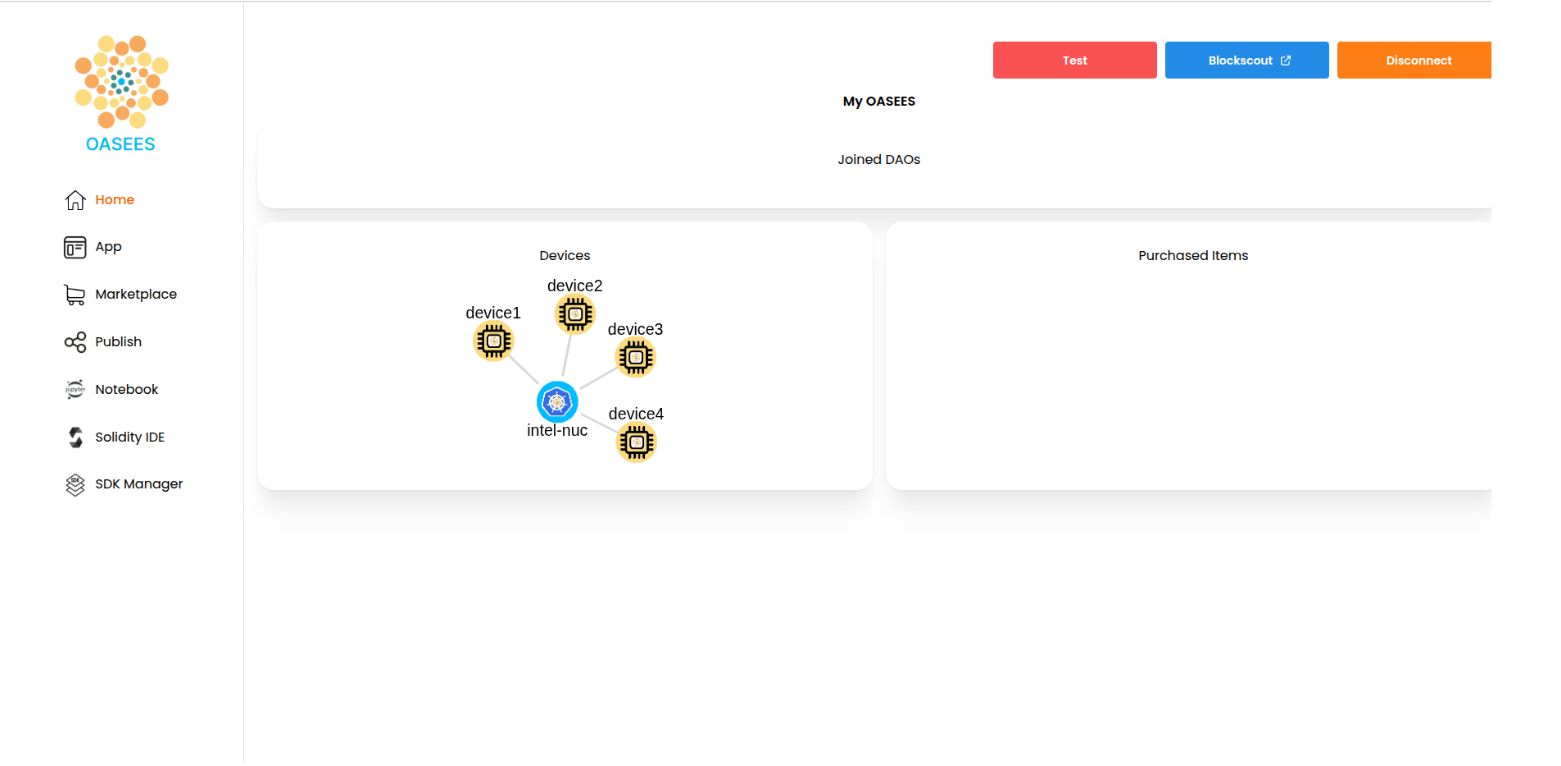
The devices will be visible in the OASEES portal once they’ve successfully joined.
Navigate to the Home page of the portal at http://<YOUR_MASTER_IP>:30000 and you should see your devices displayed in the network topology.
Checking Device Status
From the master node, verify devices are registered:
kubectl get nodes
You should see all your worker nodes listed with Ready status.
Troubleshooting
Device Not Appearing
- Verify VPN connection on the device
- Check that the token hasn’t expired
- Ensure the master IP is accessible from the worker device
- Check firewall rules
Join Command Fails
- Verify oasees-sdk is properly installed
- Ensure the device is running Linux
- Check network connectivity to master:
ping <MASTER_IP>